
Diese Hilfe gibt es auf Deutsch und Englisch.
Teaching units
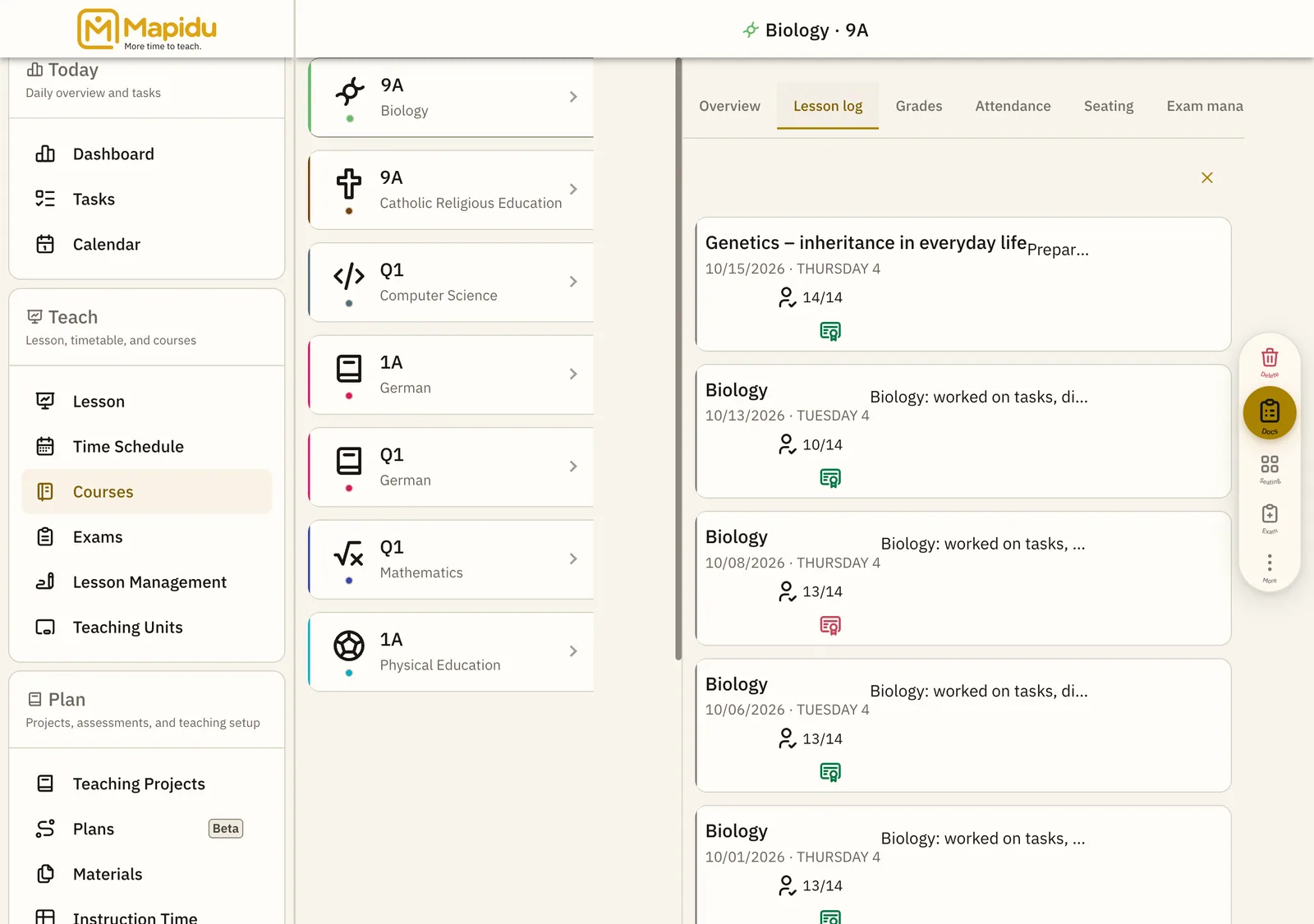
A teaching unit is the concrete lesson on a specific day — with status, notes, attendance, and link to the teaching project.
- Where to find it
- Created automatically when you teach or review; find them in the course log and lesson management.
- How to use it
- Mapidu creates a unit when you conduct or review a lesson; you add notes, set status, and link the matching project.
- What it does for you
- This separates the recurring timetable slot from the lesson that actually happened — including documentation.
Terms at a glance
- Lesson (plan) — recurring timetable entry
- Teaching unit — concrete lesson on a date with documentation
- Teaching project — didactic plan with phases and materials
Course log elements
Log entry
A held or planned teaching unit with date and short title. In the course log segment of course view. Tap a row for details. Edit attendance, notes, and status.
Status chip
Planned, completed, or cancelled. On the log entry or in detail view. Change status in the detail view. The course timeline stays traceable.
Detail view
Notes, attendance, links to the project. After tapping a log entry. Edit fields and save. Everything for that lesson in one place.