
Diese Hilfe gibt es auf Deutsch und Englisch.
Grading systems & entry layout
Here you choose which grade scales Mapidu uses for oral and written assessment and how the entry surface looks in grading sessions.
- Where to find it
- Menu → Settings → Grading systems.
- How to use it
- Tap the oral and written system buttons — the preview shows the scale and values. Under grade entry layout you pick the surface for course sessions.
- What it does for you
- New grades match your school from the start — and you capture them in the layout that works fastest for you in class.
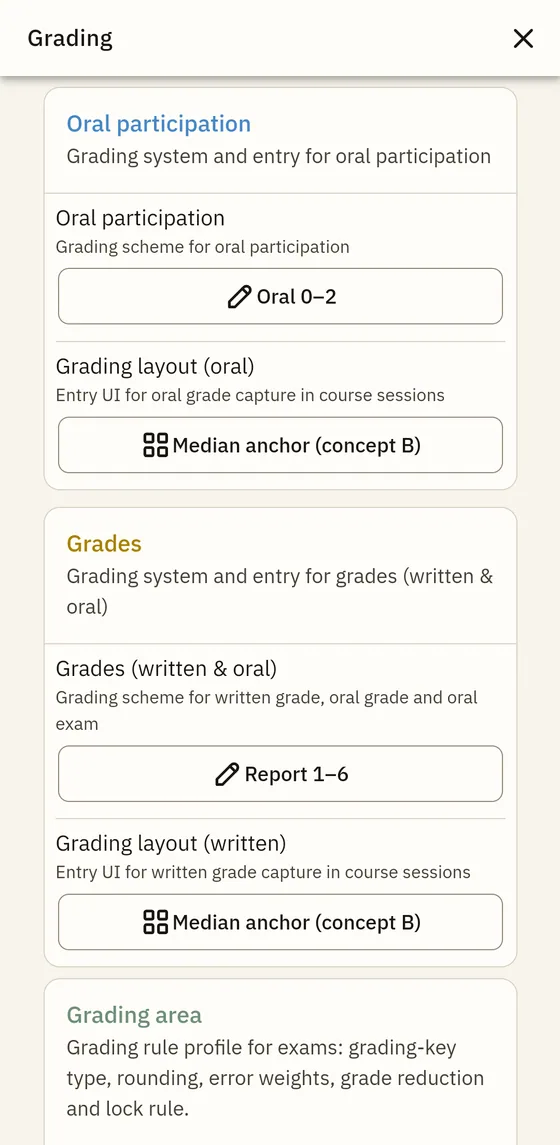
Written grading systems (selection)
- Report 1–6
- Points 0–15
- 1–6 with tendency
- Austria 1–5 (pass from 4)
- Poland 1–6 (6 = best)
- Netherlands 1–10 (pass from 6)
Oral grading systems (selection)
- Oral 0–5
- Oral 0–2
- Oral 0–10
- Symbolic (-- … ++)
Grade entry layouts compared
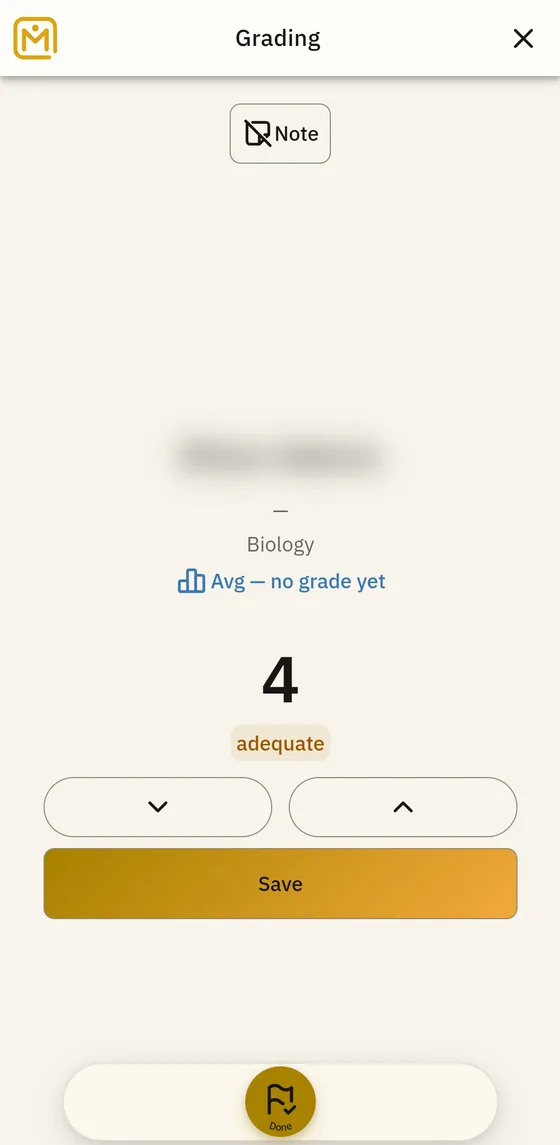
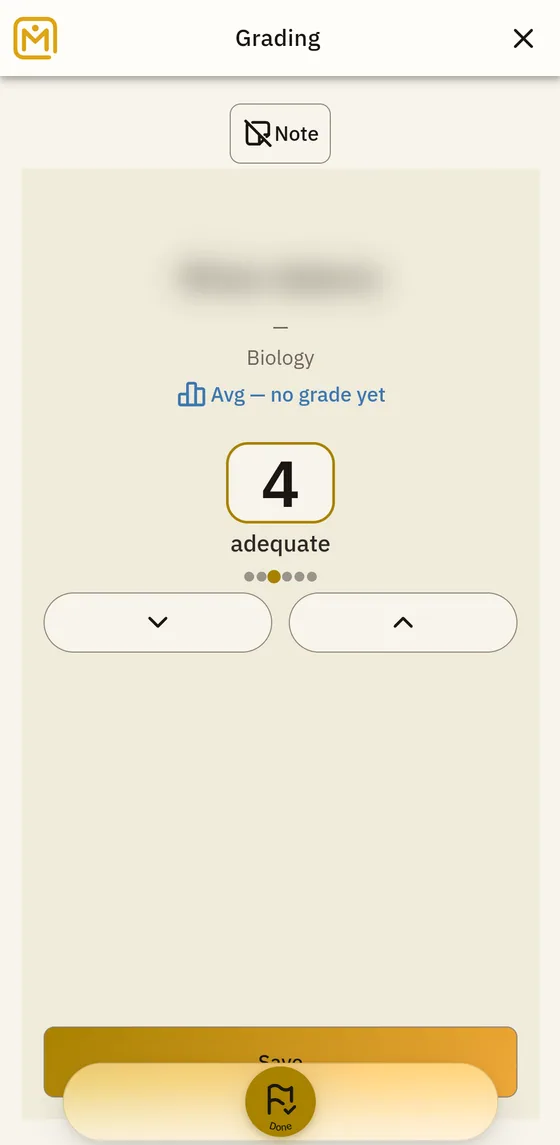
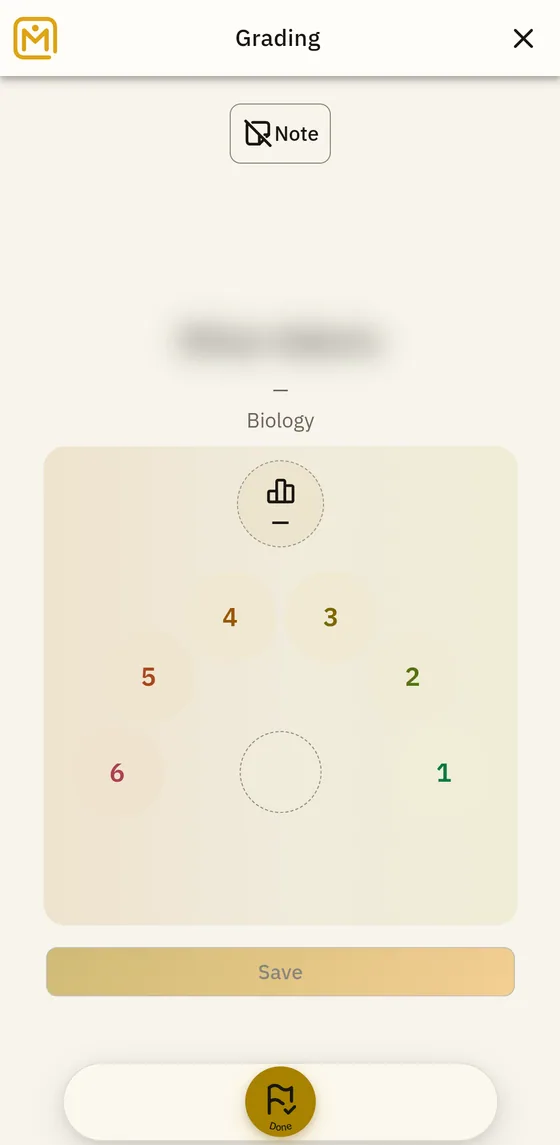
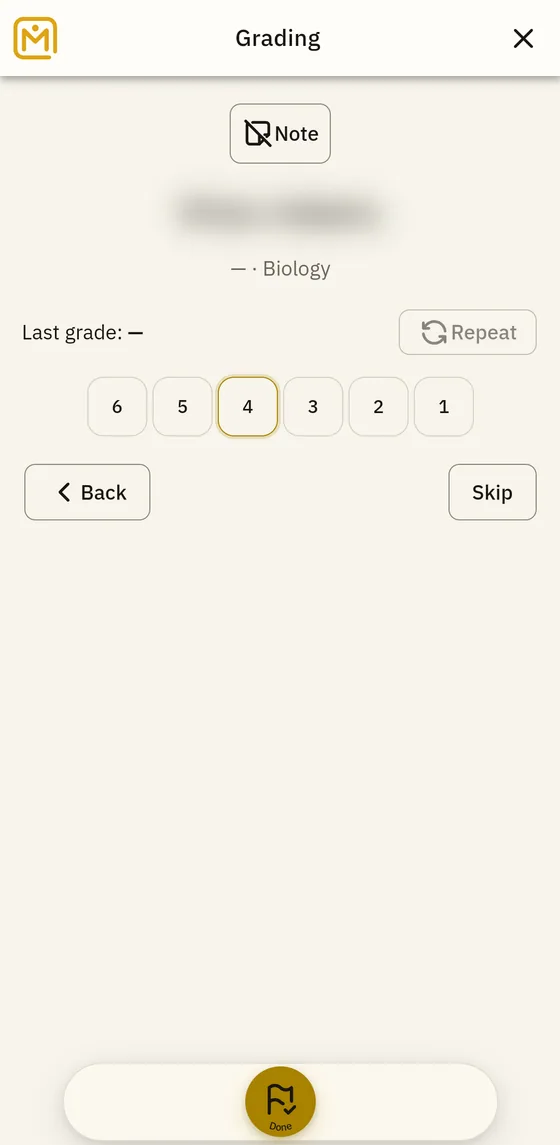
Four entry surfaces for fast grading, shown side by side for comparison.