
Diese Hilfe gibt es auf Deutsch und Englisch.
Materials
Your lesson files — worksheets, slides, images, audio. Any file type will do.
- Where to find it
- Menu → Materials. You can link them to projects, series, and lessons.
- How to use it
- Give it a title, choose a file, save. An existing file can be replaced later.
- What it does for you
- The material lives in the encrypted database and travels to your other devices with the sync.
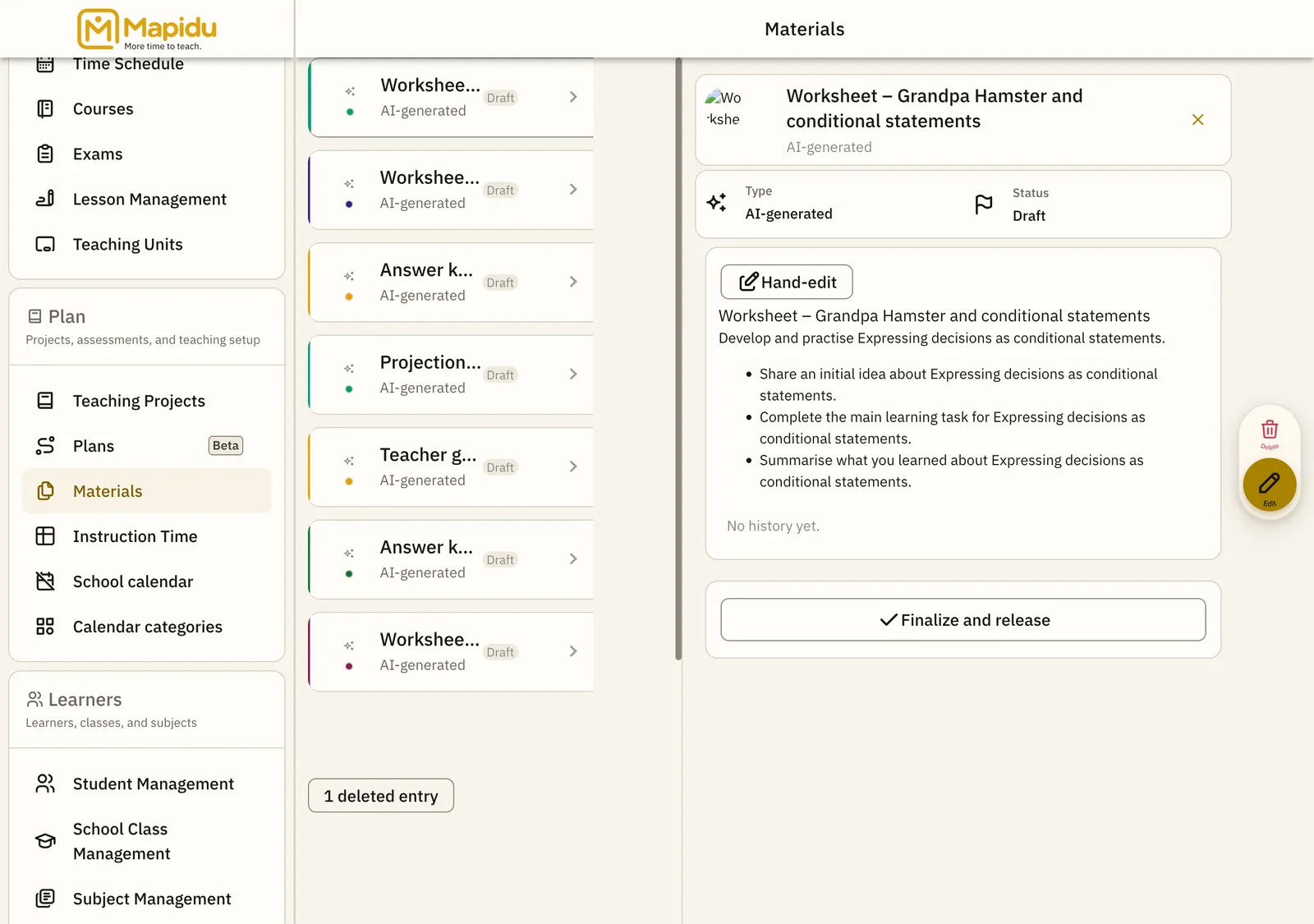
What a material carries
- Type: attached file or AI-generated
- File name and file size
- Status: Draft, Finalized, or Finalized (changed since release)
- Sortable by last change or by title
Three things you will meet
- A large file goes to every one of your devices as a full copy — the app names the size and asks first
- "File is still syncing to this device…" means the entry is here and the file is still on its way
- If two devices replaced the same file, the app asks which version to keep rather than discarding one silently