
Diese Hilfe gibt es auf Deutsch und Englisch.
Welcome to Mapidu
Mapidu pulls your whole teaching day together — timetable, lessons, grades, tasks, and planning in one place.
- Where to find it
- After launch you land straight on the Today dashboard, and the menu (☰) at the top left opens every other area.
- How to use it
- On first launch you set an access code, then add students, subjects, and your timetable at your own pace.
- What it does for you
- This way you plan, teach, and document in a single app — and the paper shuffling is over.
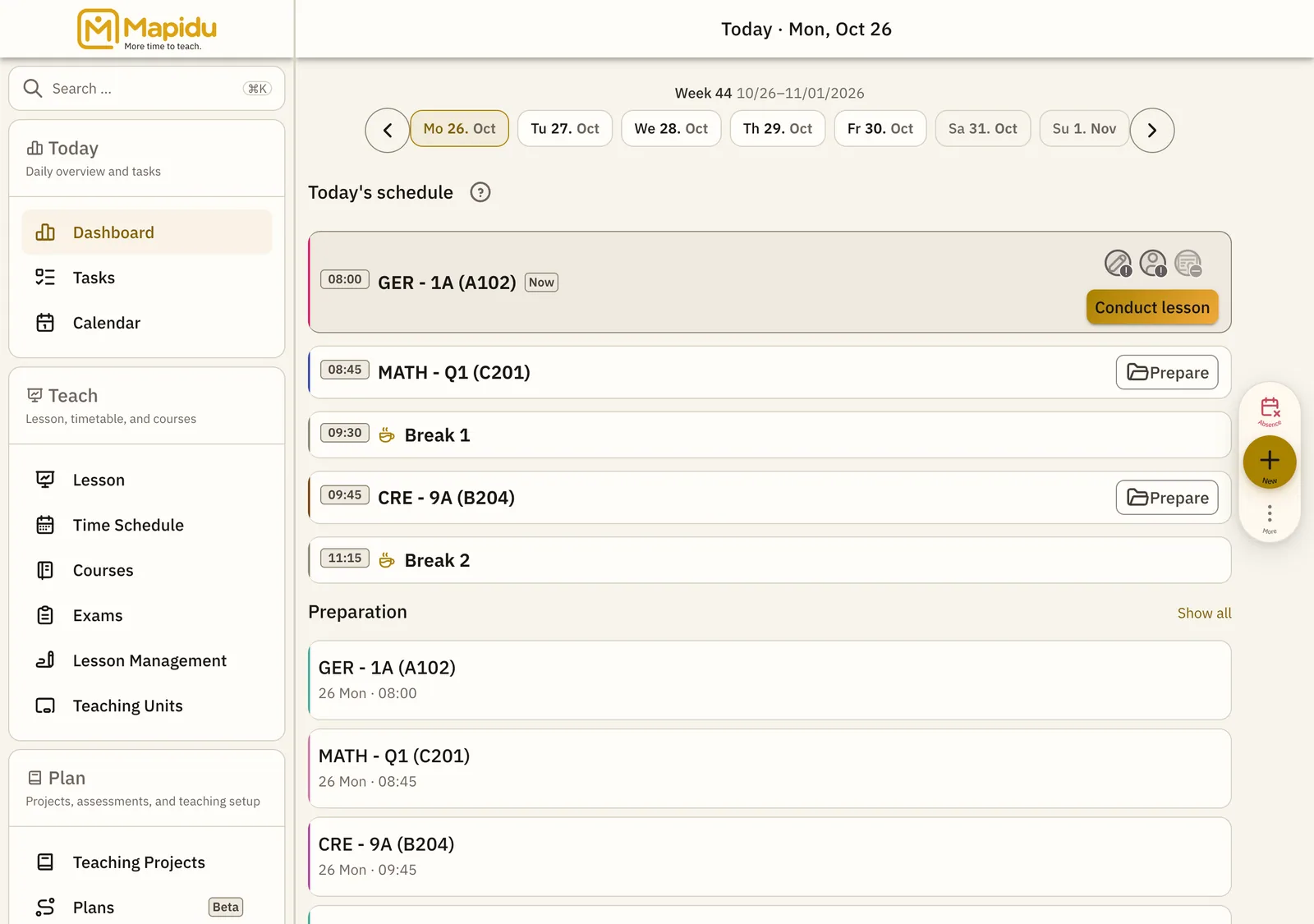
What Mapidu is for
- Capture attendance and participation right in the lesson
- Trace grades and participation per student and course
- Keep your lesson plan and current phase in view live
- See appointments, tasks, and marking for the day in one place
All your student and lesson data stays on your device — not in an online database run by Mapidu. Work across several devices and you align them yourself; the Synchronisation chapter shows how.