
Diese Hilfe gibt es auf Deutsch und Englisch.
Printing & reports
Your data becomes a sheet: grade overview, class list, seating plan, or worksheet.
- Where to find it
- Where the data lives — in the course grade overview, in the class detail, at the seating plan, at the material.
- How to use it
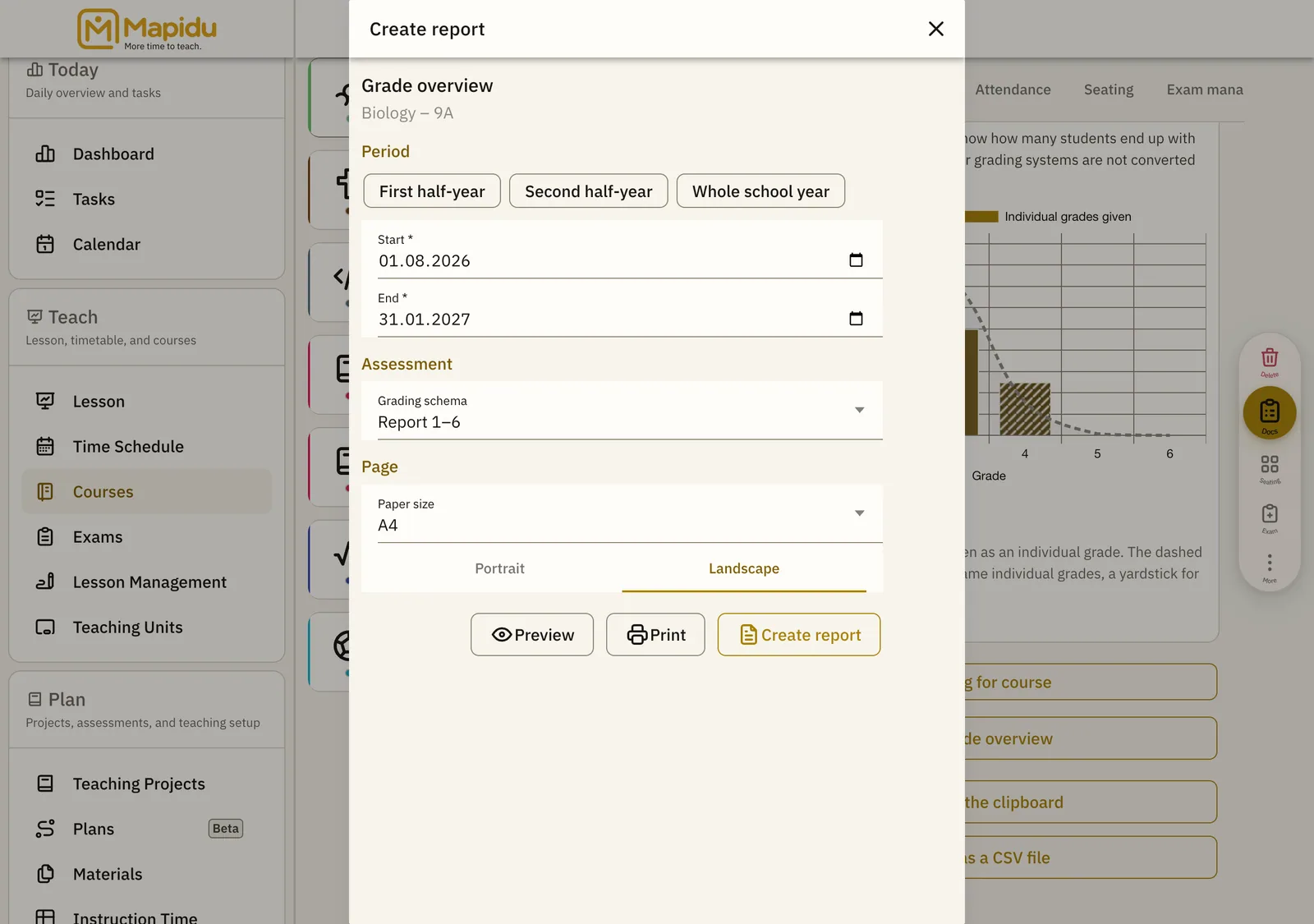
- "Create report" opens a dialog for period, grading schema, and assessment type; then print, share, or save it as a file.
- What it does for you
- The report names what it leaves out — grades from another schema or outside the period appear as a note beneath it rather than vanishing.
Which reports exist
- Grade overview per course — matrix of students, assessments, and average
- Class list
- Seating plan as a sheet for a substitute teacher or an invigilator
- Worksheet from a material
- Recovery sheet for your device's master key
Protection and confirmation
- Reports carrying student data ask before they are generated
- A PDF file can be encrypted with a password
- The route to the printer carries no password protection — a separate confirmation stands before it, because paper cannot be recalled
- If a report stays empty, no file is written and you are told