
Diese Hilfe gibt es auf Deutsch und Englisch.
Exams
An exam with sub-tasks, points, and a grading key you set yourself.
- Where to find it
- Via the "Exams" menu item; a lesson can carry one exam.
- How to use it
- Create sub-tasks with a maximum score, record points per student, set the grading key.
- What it does for you
- The final grade comes out of the points and enters the course as a written grade — not a second list.
Controls
Sub-tasks
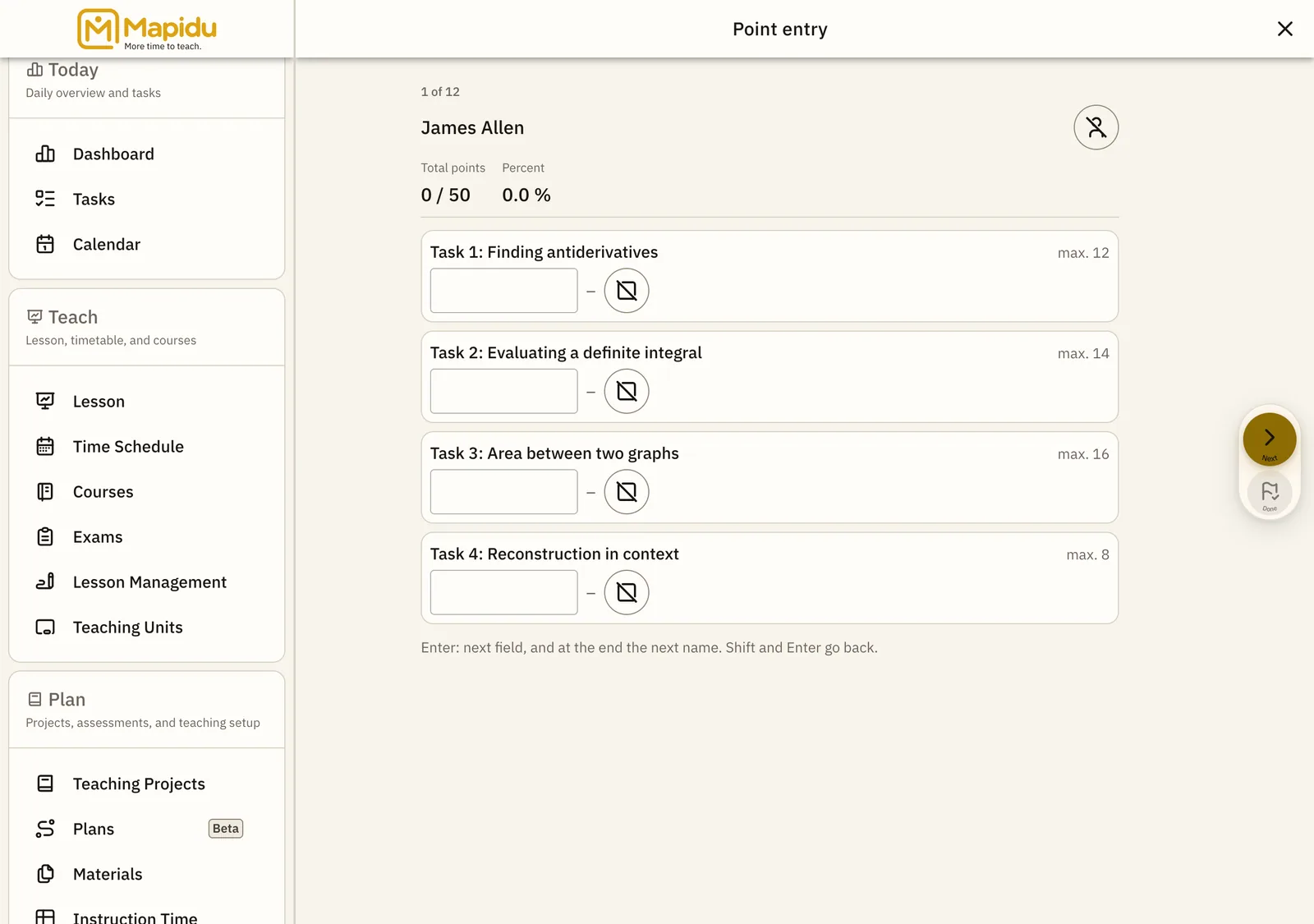
The structure of the exam, each with its own maximum score. In the exam detail under "Sub-tasks". Add a task, name it, set the points — the total adds up as you go. You can see per task where the class fell down.
Score entry
The matrix of students and sub-tasks. In the exam detail under "Score entry". Enter the points; anyone still unassessed is counted at the top. Points above the maximum score are shown separately instead of being taken over in silence.
Grading key
The mapping of score ranges to grades. In the exam detail under "Grading key". Set the boundaries freely, on top of the course's grading schema. Change the key and every final grade recalculates at once.