
Diese Hilfe gibt es auf Deutsch und Englisch.
Lesson tools
Three tools for the lesson in progress: Callout, Groups, and Work phase.
- Where to find it
- In lesson conduct via the quick actions — each opens as its own sheet above the lesson.
- How to use it
- Tap the tool, set it, let it run; the lesson stays visible underneath.
- What it does for you
- You need neither dice nor slips of paper nor a second device on the desk.
From setup to the running display
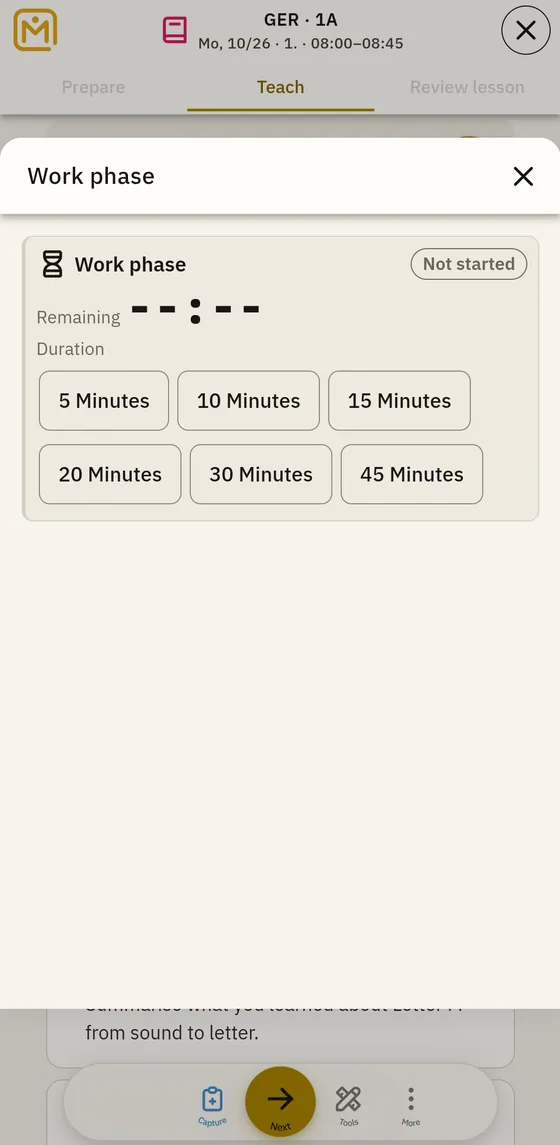
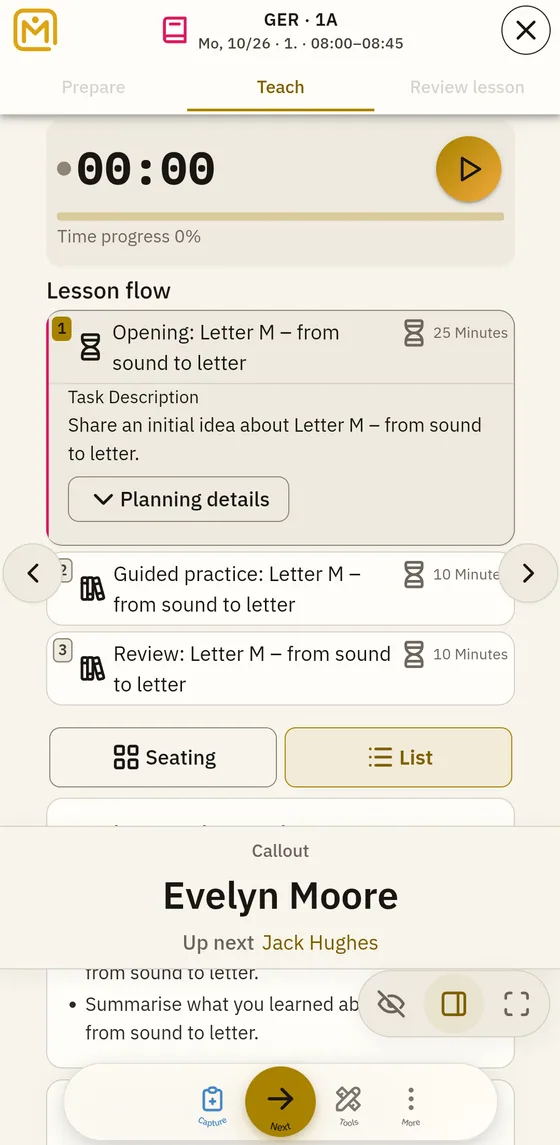
Work phase opens above the running lesson: on a phone, both the ready-to-use time blocks and the remaining time stay fully visible.
Controls
Callout
Calls on students in turn, in rounds rather than at random. Quick action "Callout" in lesson conduct. Tap on to call the next one; whoever has had a turn comes round again only in the next round. Everyone is called equally often, and you can see who follows next.
Groups
Divides the students present into groups. Quick action "Groups" in lesson conduct. Choose either the number of groups or the group size — Mapidu works out the rest. The division appears on the sheet at once and can be drawn again.
Work phase
A timer for silent work, partner work, or an exercise. Quick action "Work phase" in lesson conduct. Set the duration, start it, pause if needed, or reset. The remaining time stands large in the room — readable for the class too.