
Diese Hilfe gibt es auf Deutsch und Englisch.
Accessibility
Settings for readability, colours, and operation — including by keyboard and screen reader.
- Where to find it
- You find them under Menu → Settings → Display.
- How to use it
- There you choose the colour mode, text size, and light or dark; your device's screen reader reads out labelled buttons.
- What it does for you
- This way the app adapts to your vision and operation needs.
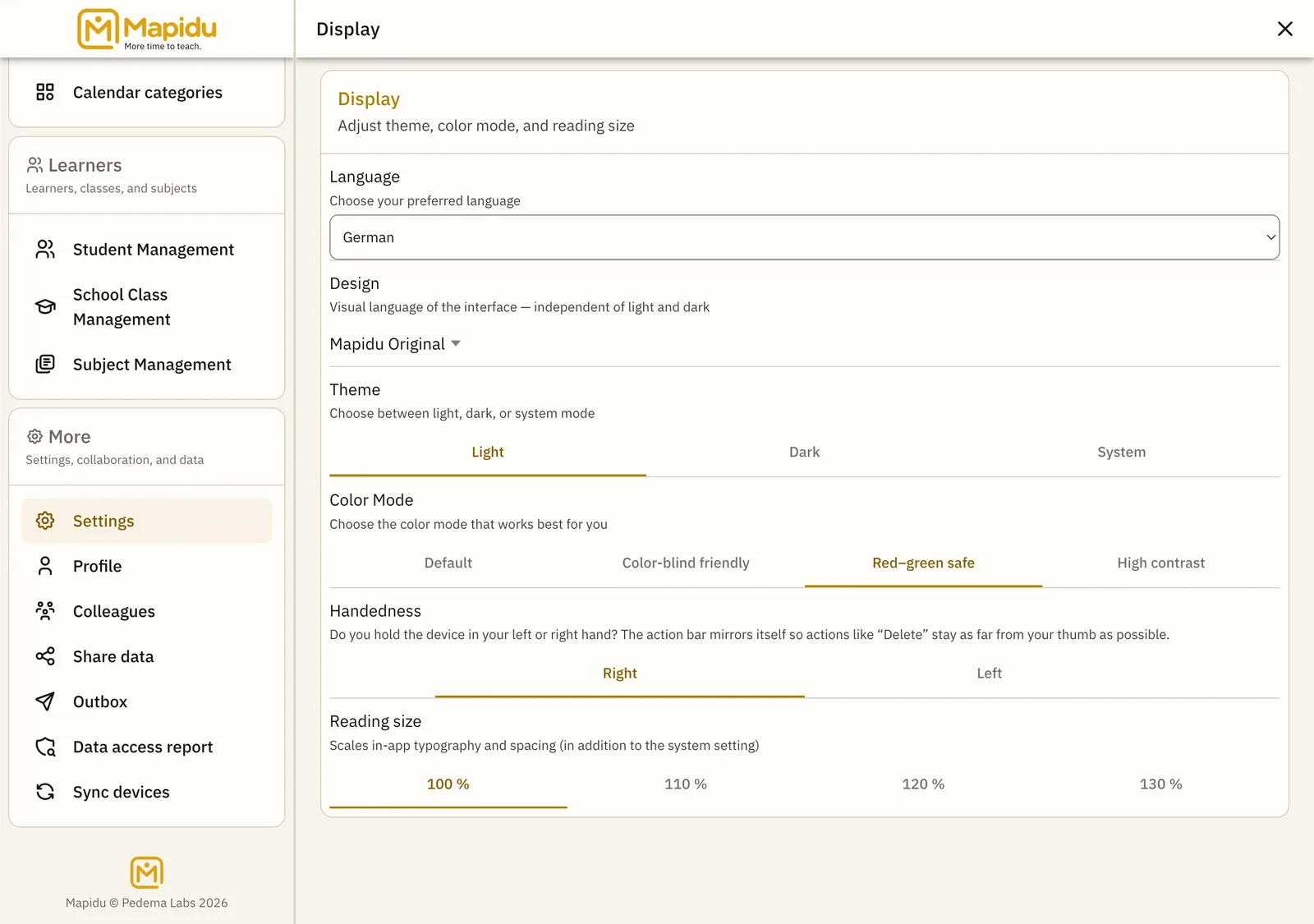
What you can adjust
- Colour mode: standard, colour-blind friendly, or without red-green distinction
- Appearance: light, dark, or match your device
- Text size: scale up continuously
- Save confirmations are announced for screen readers
- Less motion in the interface when your device asks for it