
Diese Hilfe gibt es auf Deutsch und Englisch.
Settings — security & keys
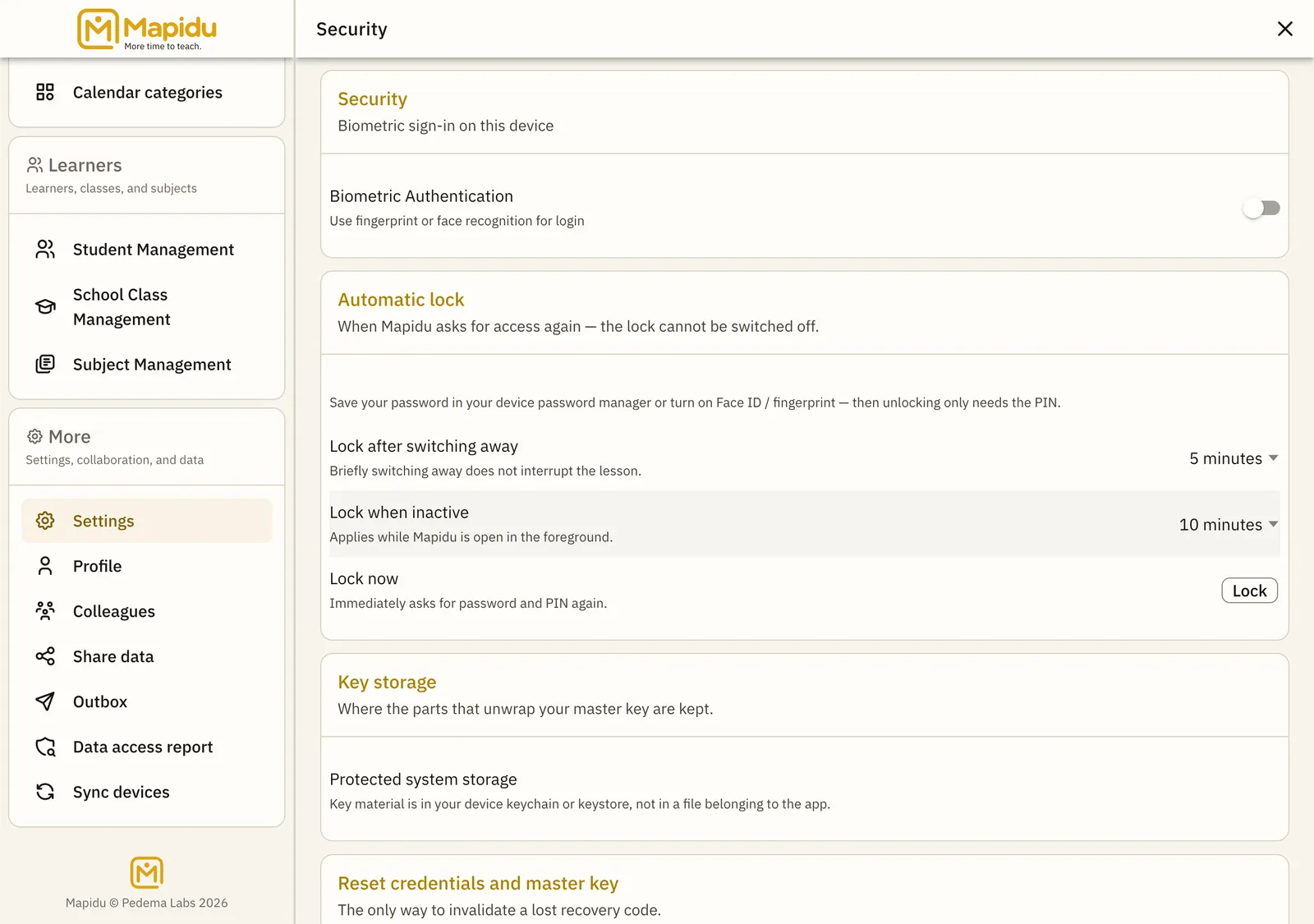
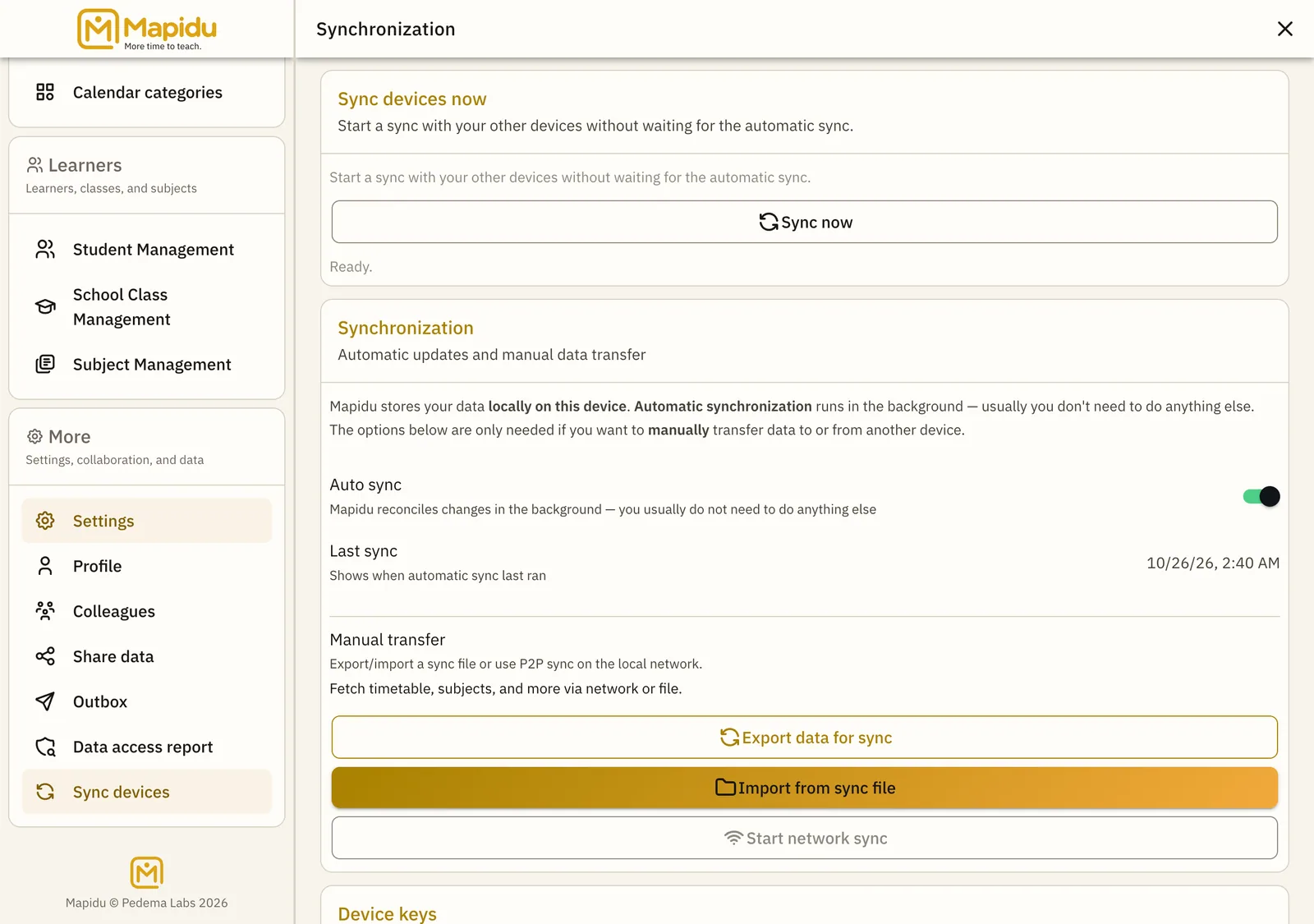
Control access and keys here — biometrics, teacher identification key, and manual sync — complementing the Privacy chapter.
- Where to find it
- Menu → Settings → Security and Synchronisation.
- How to use it
- Enable biometrics if your device supports it; export or import the teacher key with password protection; start sync manually when you choose.
- What it does for you
- You keep control of access and device alignment — without hidden cloud uploads.
What you find here
- Biometrics on/off (in addition to PIN and password)
- Export teacher key and import on a new device
- Manual sync export and import
- Connect on same Wi-Fi or in colleague mode