
Diese Hilfe gibt es auf Deutsch und Englisch.
Share data
Send baseline teaching data or a teaching project to a connected colleague — encrypted via the sync mailbox.
- Where to find it
- Menu → Share data; or teaching project → Send to colleague.
- How to use it
- Pick content → choose recipient from your colleague list → send and stay on screen until Mapidu confirms delivery.
- What it does for you
- Your colleague accepts the data in the inbox — no file export or manual shuttling.
From content to recipient
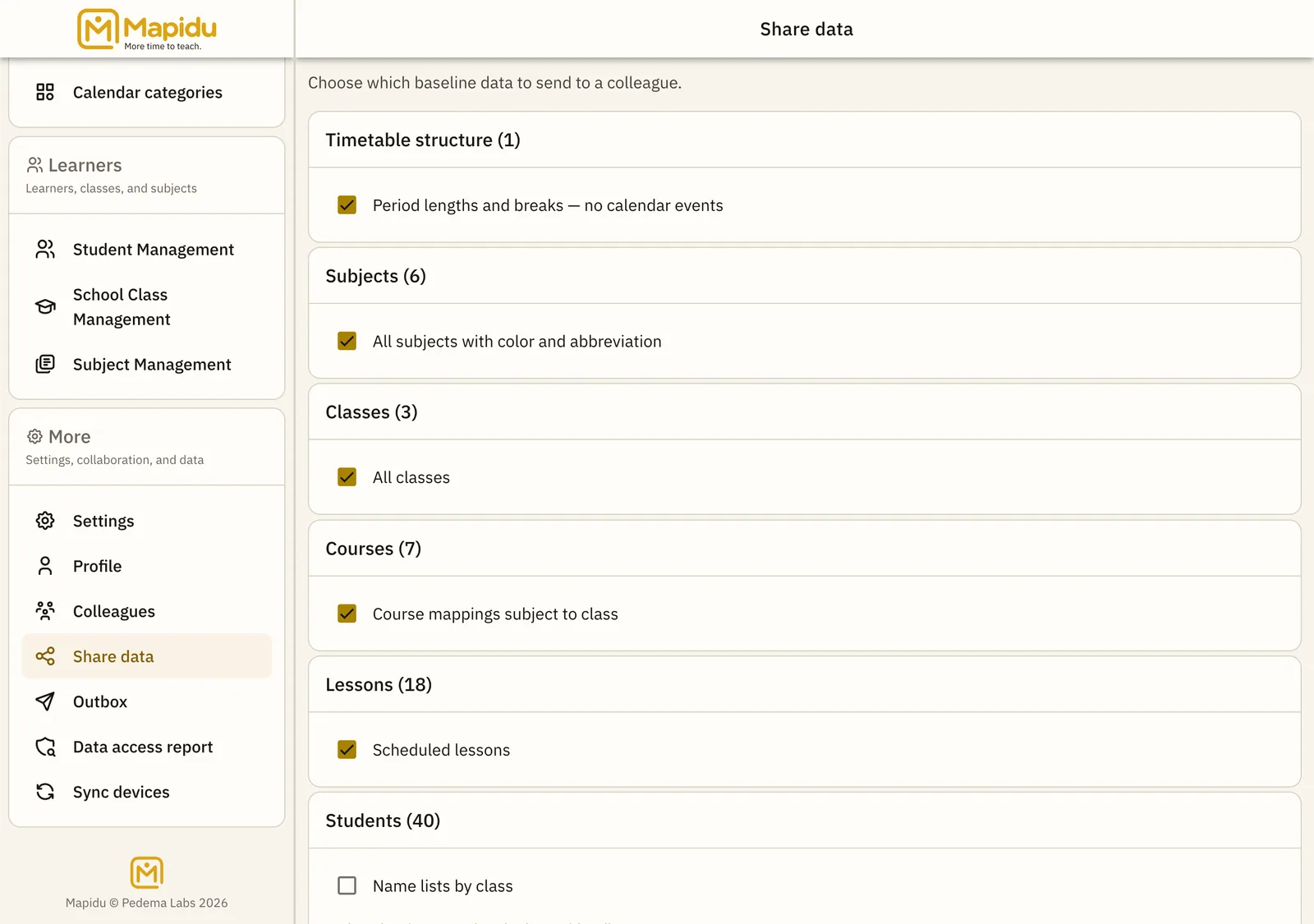
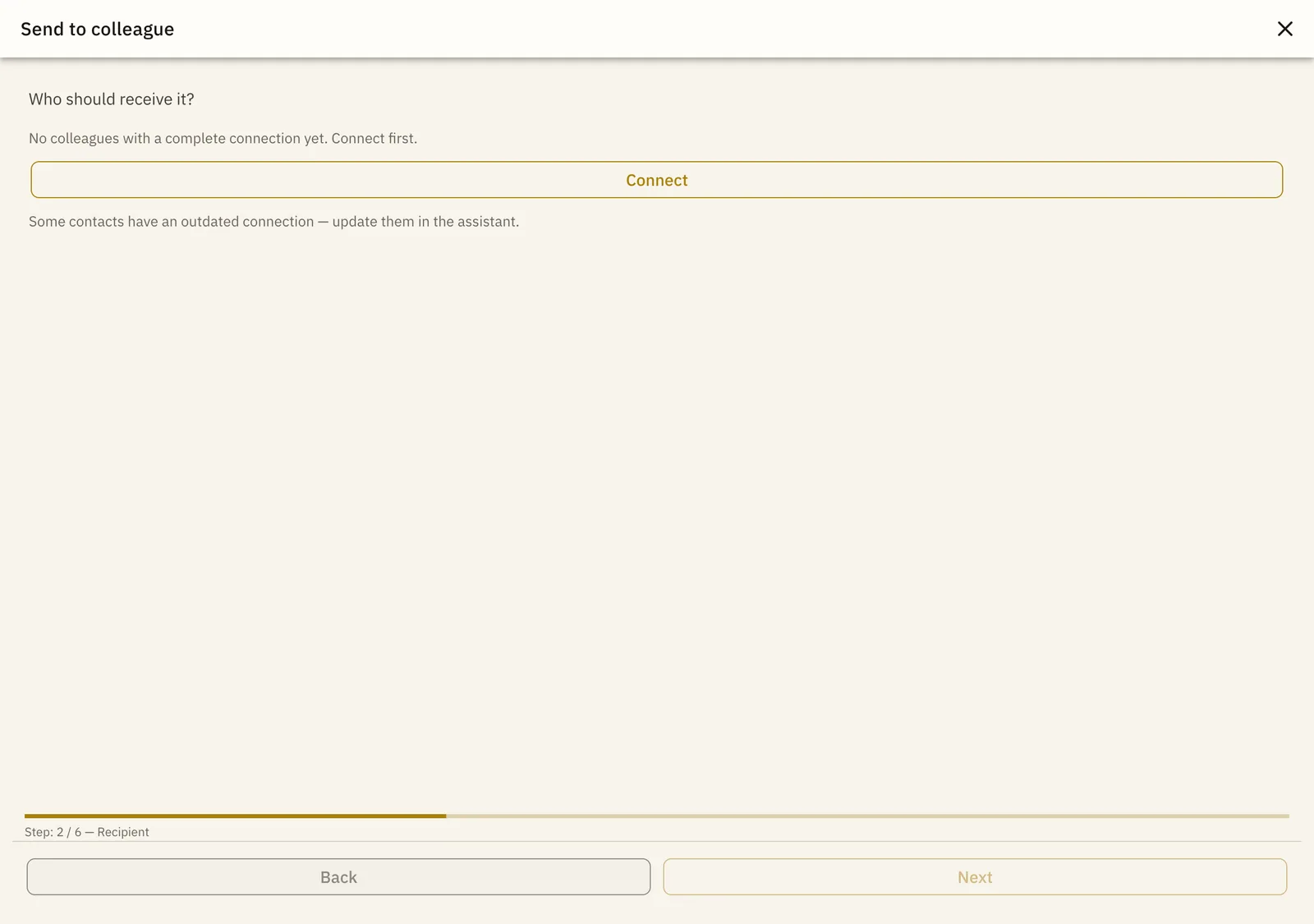
First choose the data; Mapidu then shows which fully connected recipient is ready or which connection still needs to be completed.
Send baseline data
- Open hub Menu → Share data.
- Choose categories Check boxes — e.g. subjects, classes, timetable; students only when needed (privacy).
- Pick recipient Next → colleague from the list; without a connection, start the wizard first.
- Send Confirm and wait — Mapidu may briefly wake an offline colleague via push.
Send a teaching project
- Open project Select a teaching project in the list.
- Start share Action bar → "Send to colleague" (not file export).
- Same flow Content → recipient → send as above.
What the package contains
- Timetable structure and lesson entries
- Subjects classes courses
- Custom grading schemas (your own only)
- Teaching projects including series and steps
Without complete trust (Comm + Data key) Mapidu cannot deliver encrypted — the app then guides you to the connection wizard. File export remains a fallback when devices cannot connect directly.