
Diese Hilfe gibt es auf Deutsch und Englisch.
First steps
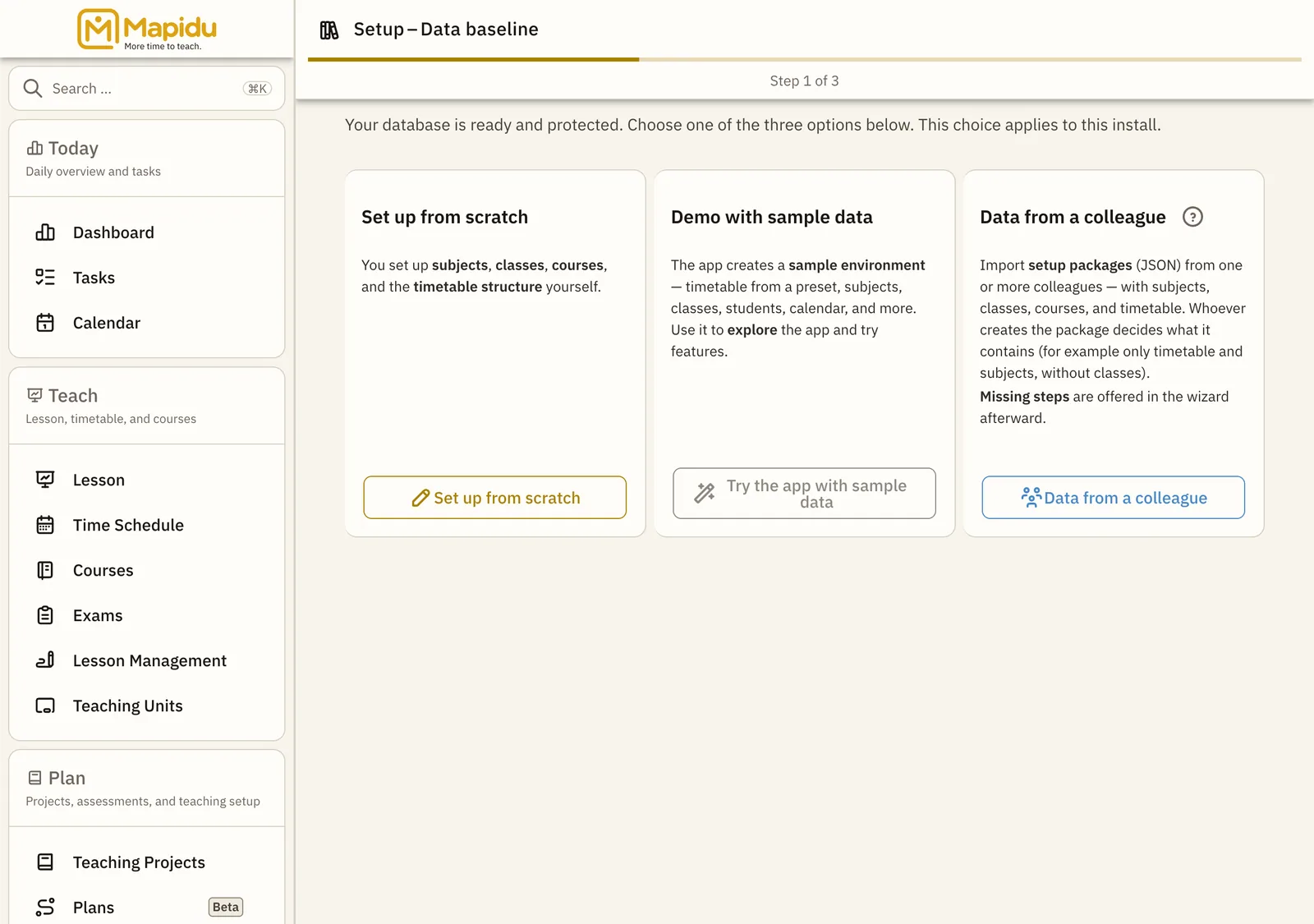
Setup protects your app and introduces Mapidu to your subjects, classes, and periods.
- Where to find it
- On first launch Mapidu walks you through every step; later you find the same options under Menu → Settings.
- How to use it
- You first choose an access code, optionally load demo data, and then add subjects, classes, students, and the timetable.
- What it does for you
- After that the dashboard, lessons, and grades run smoothly because Mapidu knows your school day.
Recommended order
- Set up access Choose a PIN and password — so only you open the app.
- Choose your region Set country and region so Mapidu suggests the right school and public holidays. Skippable, and you can do it later.
- Add master data Maintain subjects, school classes, students, and courses.
- Set up the timetable Menu → Settings → Timetable wizard: assign times and subjects.
- Check your school day Open the Today dashboard and confirm your lessons.