
Diese Hilfe gibt es auf Deutsch und Englisch.
Attendance
Record attendance directly in lesson conduct — or later in a dedicated session with the whole class in view.
- Where to find it
- In class via the student list; open the session from review, the dashboard, or the course log.
- How to use it
- Tap students for present, absent, or late; in the session work through the list systematically and save when done.
- What it does for you
- Attendance lands in the student record and course log — no separate spreadsheet.
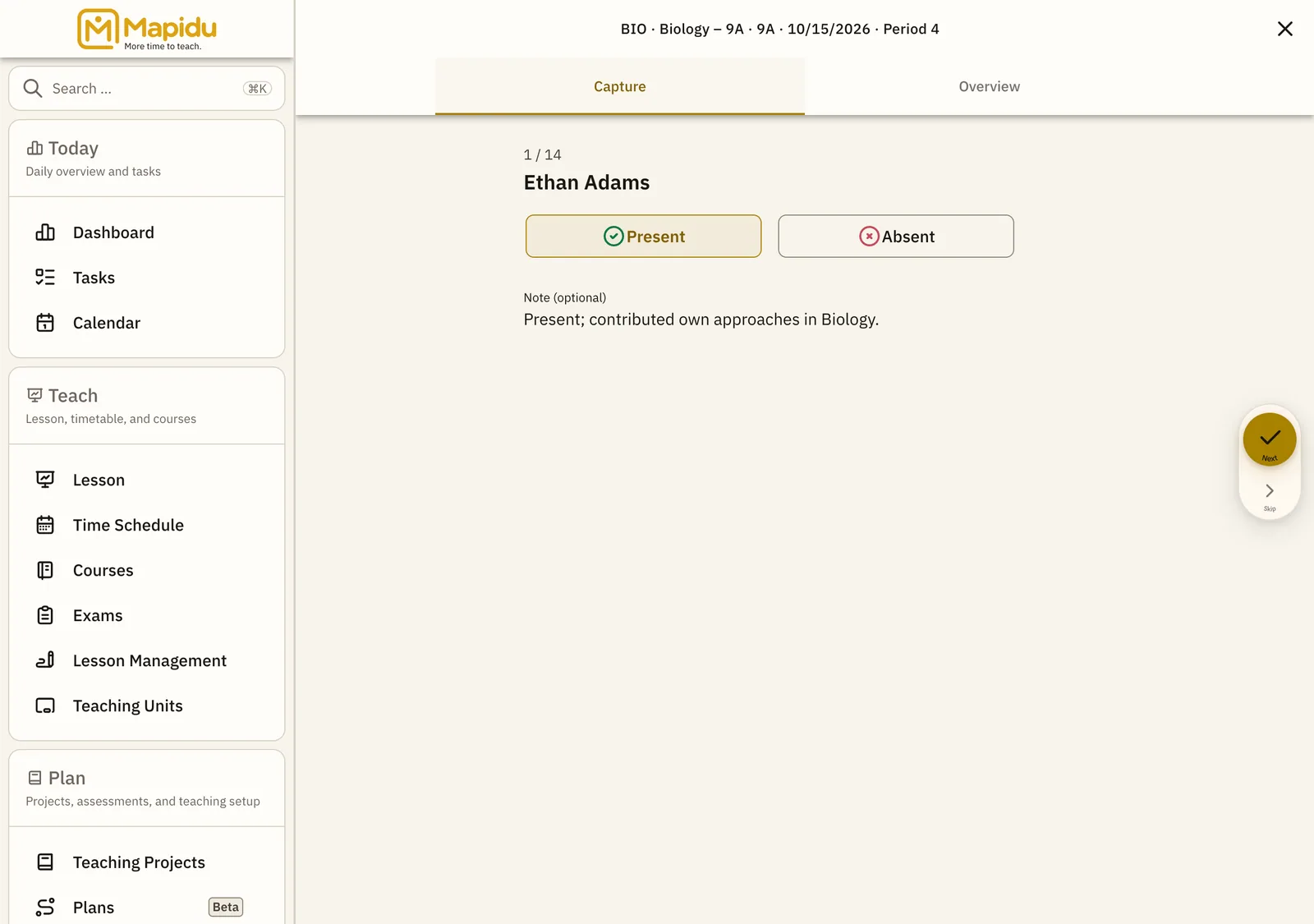
Three ways to capture
- In class Open lesson conduct and tap each student in the left list — set status immediately.
- Review Dashboard → Review → attendance in the status row — opens the session for that teaching unit.
- Course log Course view → course log → pick a lesson → edit attendance — ideal for corrections later.
What is stored
- Present / absent / late per student and teaching unit
- Linked to date subject and class
- Visible in the course log and student detail