
Diese Hilfe gibt es auf Deutsch und Englisch.
Teaching project library
Your collection of all teaching projects — sorted by subject, as single lessons or series, for creating, editing, and reusing.
- Where to find it
- Menu → Teaching projects.
- How to use it
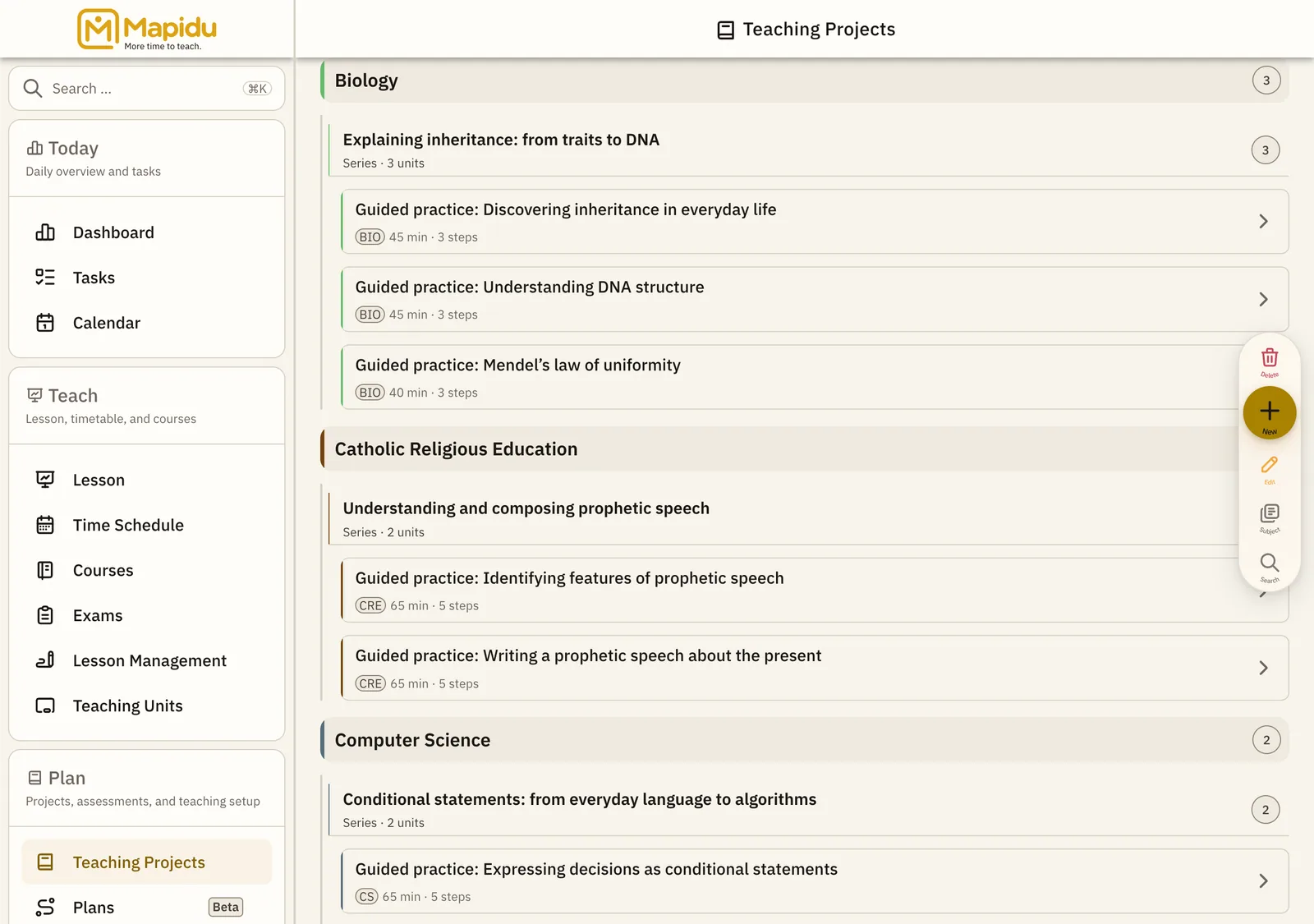
- Browse the tree by subject, expand series, tap a project for details or the plus for new; assign it later in the timetable or in class.
- What it does for you
- Plan once, reuse often — and substitutes find material and phases in a structured place.
Screen elements
Subject tree
Hierarchy: subject → series or single lesson → concrete project. Main area of the teaching projects page. Expand subjects and series and tap a project. Keep many projects manageable.
Search
Filters projects by title or keyword. Search field at the top. Type a few letters. Quick access without clicking through the tree.
Detail / edit
Goals, phases, materials, and tasks of a project. Right or on its own page after selection. Edit phases and save. Changes apply on the next assignment to a lesson.
Cover package (Extended)
Export a project as a package for colleagues or cover teachers. In project detail or via the export menu. Export the package and import on another device. Cover lessons start with a full plan — no retyping.